
LEVEL UP YOUR GAME
Free Fire MAX Beginner Guide: 10 Tips to Improve Your Gameplay
🎯 Better aim • 🛡️ Smarter survival • 🏆 More consistent matches
Want to improve in Free Fire MAX? Whether you’re a beginner or trying to play more confidently in ranked matches, this guide from Esports Khabar covers practical Free Fire MAX tips for aiming, sensitivity, looting, positioning, squad communication and safe-zone rotations. There is no magic setting that guarantees a Booyah—consistent practice and smart decisions make the difference.
Free Fire MAX TipsAim TrainingRank PushBattle RoyaleSquad Strategy
📌 Quick Navigation
- 🎯 Aim training and sensitivity
- 🔥 10 beginner tips
- ⏱️ Daily practice plan
- ▶️ Watch Free Fire MAX gameplay
- ❓ Frequently asked questions
🎯 Aim Training: Build Better Control
🎯 1. Practise your aim before ranked matches
Warm up in the training area or a casual match. Practise tracking moving targets, moving your crosshair smoothly and switching between close- and medium-range engagements. Focus on controlled, repeatable movement rather than rushing every shot.
- Start with a short warm-up.
- Practise tracking a moving target.
- Notice whether your crosshair stops short or overshoots.
- Repeat the same drill and measure progress.
⚙️ 2. Find sensitivity settings that suit your phone
There is no universal “best Free Fire sensitivity” for every device. Screen size, frame rate, touch response and your control layout all affect aim. Change one setting at a time, test it for several matches and keep the settings that feel controllable.
Pro tip: Don’t copy a random sensitivity code just because it is labelled “pro.” Use it as a starting point only, then test it yourself.
🕹️ 3. Make your HUD comfortable
Arrange buttons so you can move, aim, fire and use utility without awkward finger movement. Adjust your layout gradually and practise with it before entering serious ranked matches.
🔥 10 Free Fire MAX Tips for Beginners
01 — 🪂 Pick a landing spot with a plan
If you are learning, choose a location where you can gather supplies without immediately fighting several opponents. Try busier drops later as your confidence improves.
02 — 🎒 Loot quickly
Prioritise a dependable weapon, ammunition, armour, healing items and useful utility. Avoid spending too long searching every building; keep moving once you have enough equipment.
03 — 🎯 Warm up your aim
Use training or casual modes to practise target tracking and crosshair placement. Short, regular sessions can help build consistency.
04 — 🧩 Adjust settings one at a time
Make small sensitivity or HUD changes and test them consistently. If you change everything at once, it becomes harder to tell what actually helped.
05 — 🛡️ Fight from cover
Use walls, rocks and buildings to reduce exposure. Avoid standing still in open ground while healing, looting or shooting.
06 — 🧠 Choose your fights
Check your health, ammunition, cover and nearby opponents before committing. Repositioning can be smarter than taking a duel from a bad angle.
07 — 🗺️ Rotate before the zone closes
Check the map and safe-zone timer. Moving earlier can help you avoid crossing exposed ground while other players hold strong positions.
08 — 🤝 Communicate with your squad
Share enemy locations, supplies and rotation plans. Stay close enough to support teammates without bunching up in one spot.
09 — 📊 Learn from every match
After a loss, identify one mistake: a risky landing, slow looting, missed shots, poor cover or a late rotation. Work on that one habit next time.
10 — 🔐 Protect your account
Avoid cheats, modified clients, unofficial diamond generators and apps that request your login details. They can put your account and personal information at risk. Use official channels for support and updates.
📋 Quick Match Checklist
| Before the fight | Ask yourself |
|---|---|
| 🎒 Supplies | Do I have a suitable weapon and enough healing? |
| 🛡️ Position | Where is my cover and escape route? |
| 🗺️ Zone | Will I need to rotate soon? |
| 🤝 Squad | Can my teammates support this fight? |
| 🧠 Decision | Is this fight worth the risk? |
⏱️ A Simple 15-Minute Free Fire Practice Plan
- Minutes 1–5: Warm up aim and tracking.
- Minutes 6–10: Practise movement, cover and weapon control.
- Minutes 11–15: Play a short match and focus on one skill.
This is a flexible routine, not a guarantee of rank gains. Repeat it regularly and adjust the drills to the areas where you struggle most.
▶️ Watch Free Fire MAX Gameplay
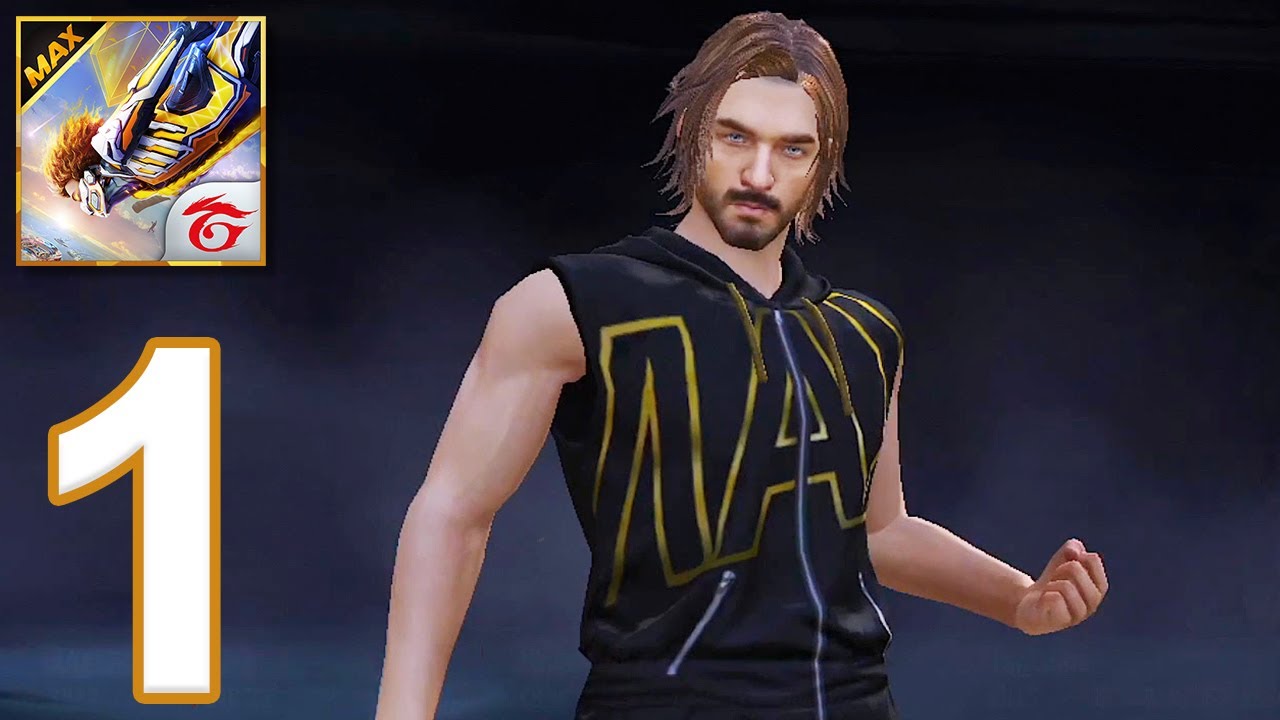
Watch the gameplay video below to see Free Fire MAX combat and movement in action. While watching, pay attention to how the player moves, uses cover and approaches engagements. This is gameplay footage, not an official sensitivity tutorial.
▶ Watch the Free Fire MAX gameplay video on YouTube
❓ Free Fire MAX FAQs
How can beginners improve in Free Fire MAX?
Practise aiming regularly, learn a few landing locations, loot efficiently, use cover and rotate early. Work on one weakness at a time instead of changing all your settings after every loss.
What is the best sensitivity for Free Fire MAX?
The best sensitivity depends on your device and play style. Test small adjustments and keep the settings that let you track targets comfortably and consistently.
How can I rank up more consistently in Free Fire MAX?
Focus on survival, good positioning, safe-zone awareness and sensible fight selection. Coordinate with your squad instead of taking every fight alone.
Are Free Fire MAX hacks or diamond generators safe?
Unofficial hacks and generators can expose your account or device to risk. Never share your password or verification codes with third-party services.
PLAY SMART. AIM BETTER. KEEP IMPROVING.
Enjoyed this guide? Explore more Free Fire MAX, BGMI, GTA V and GTA VI gaming updates on Esports Khabar.
Editorial note: Game features and settings can change with updates. Check the current in-game options and official game announcements for the latest details.